
Automations
Automate order, return and complaint steps.
Trigger each step from an order, return or status change in your Salla, Zid, Shopify or WooCommerce store, and the AI agent finishes it on every channel except WhatsApp.

Powering conversational commerce for









Customers and partners using Revora

Keep the steps moving after your team logs off.
Cover the midnight order question and the Friday return request without a night shift, because the AI agent works the same hours your customers shop.
Finish the step where a scripted flow dead-ends.
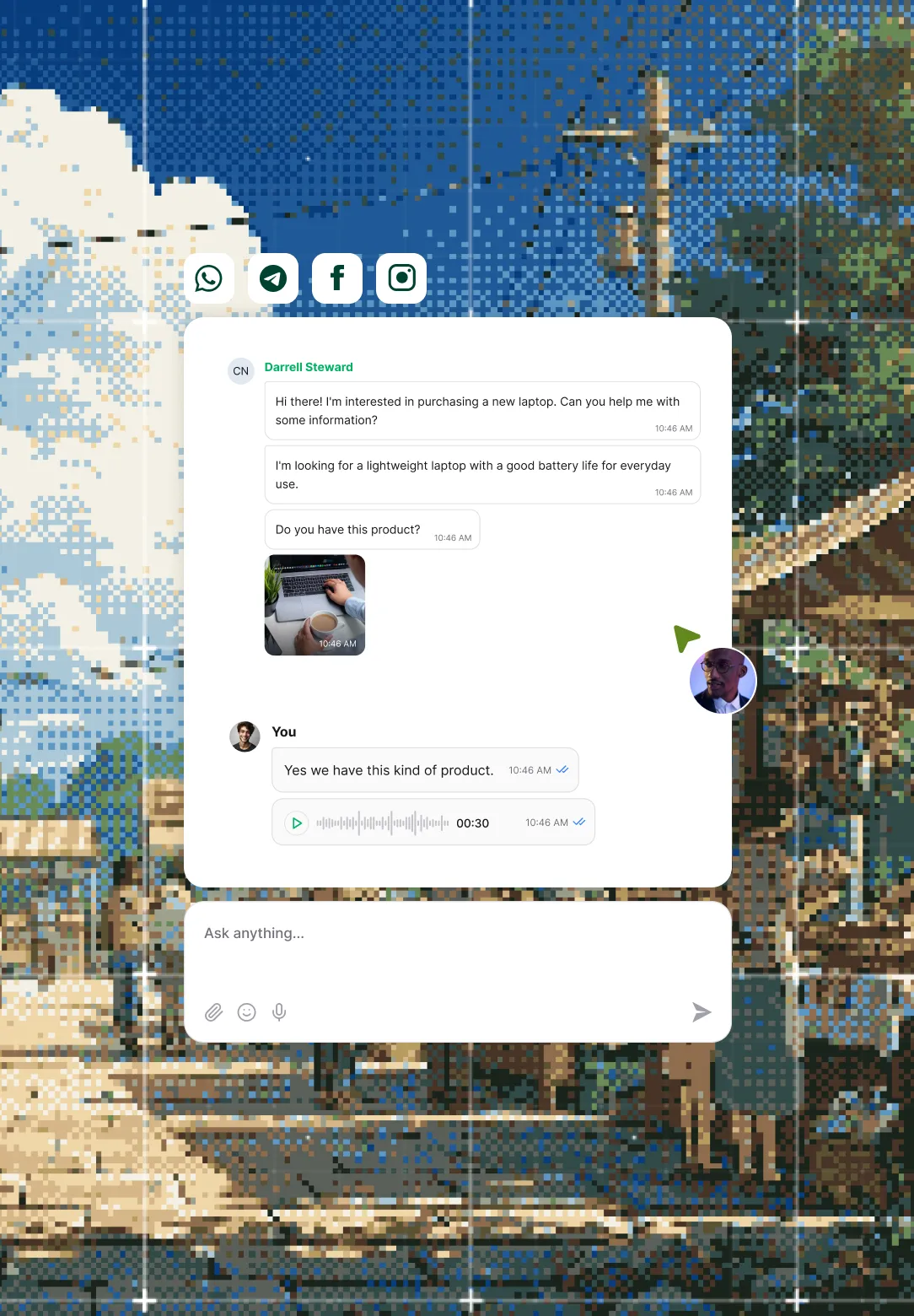
Compare what happens when a customer goes off-script: a flow builder escalates to a person, while Revora checks the order against your policy and completes it.
A scripted flow
Dead-ends the moment input varies
Revora reasons and acts
Completes the step, escalates only by your rule
Pair each store event with the action it needs.
Give every store event its own action, so a return request runs your return process and a customer question gets an answer from your knowledge base.
Store event
- Order placed
- Return requested
- Status changed
- Question asked
Native action
- Look up the order
- Process the return
- Route & escalate
- Answer from knowledge base
Order lookups ask for what your platform searches by: order ID, email or phone on Shopify, order ID or phone on Salla, order ID on Zid.
Split the routine jobs from the judgement calls.
Hand the AI agent the store jobs that follow a clear rule, and keep the cases that need a person's call with your team.
Run store actions, not ticket steps
Look up order #48213 with its live status, check a return against your policy before logging it, or save a complaint as a structured record.
Name the cases a person owns
Send every refund dispute straight to your CS team while order status questions resolve on their own, and change either rule whenever you like.
Rules apply on every channel the workflow runs on
Switch actions on one at a time.
Turn on answers first and watch it reply to your own customers, then add order actions, returns and routing as your confidence grows.
- Answers only watch it reply
- Order actions look up & track
- Returns process by policy
- Routing escalate by rule

Working with Revora is effortless. Near-instant response, fast execution, and almost zero errors.
 Almosafer
 Connect automations to the rest of the workspace.
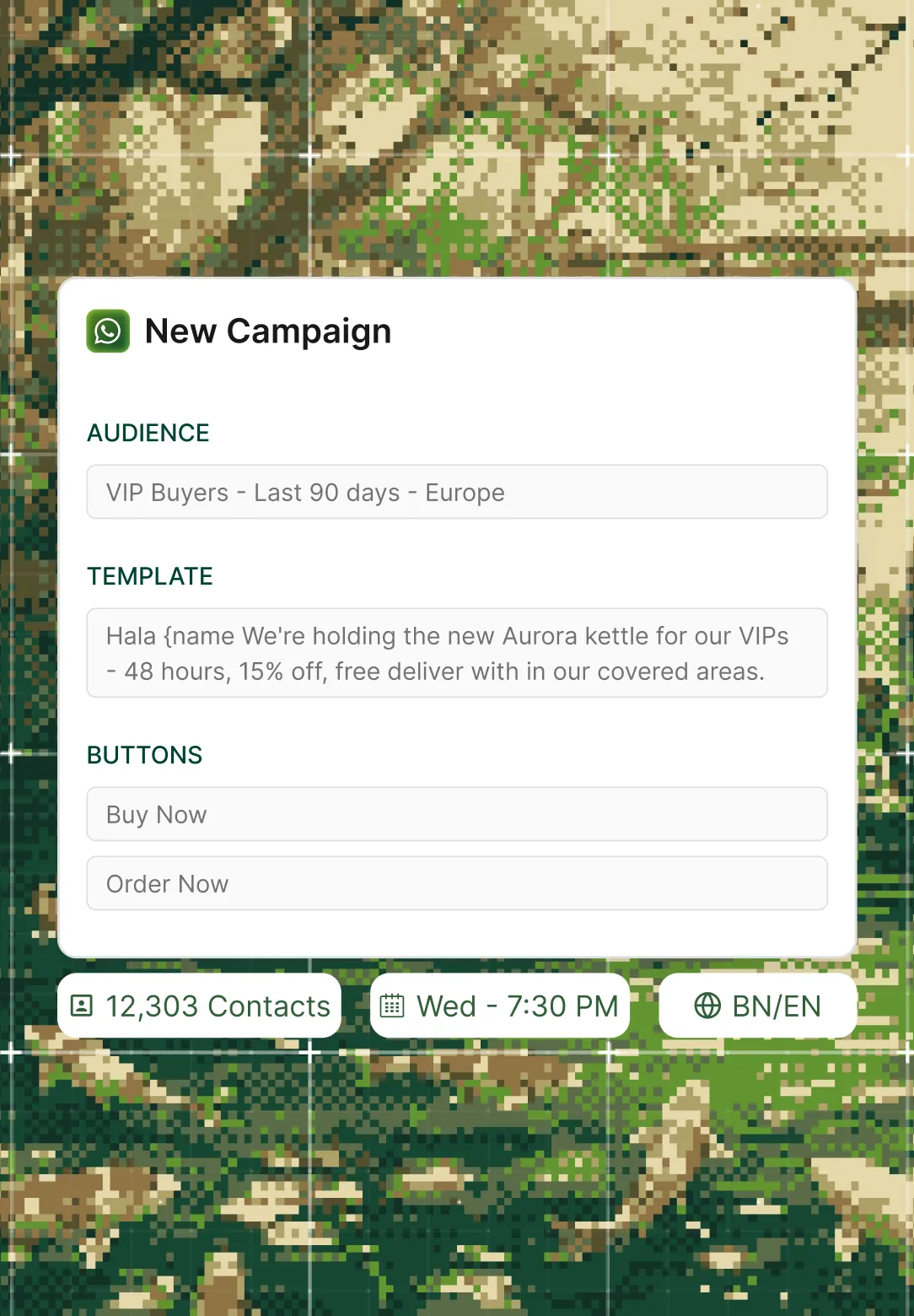
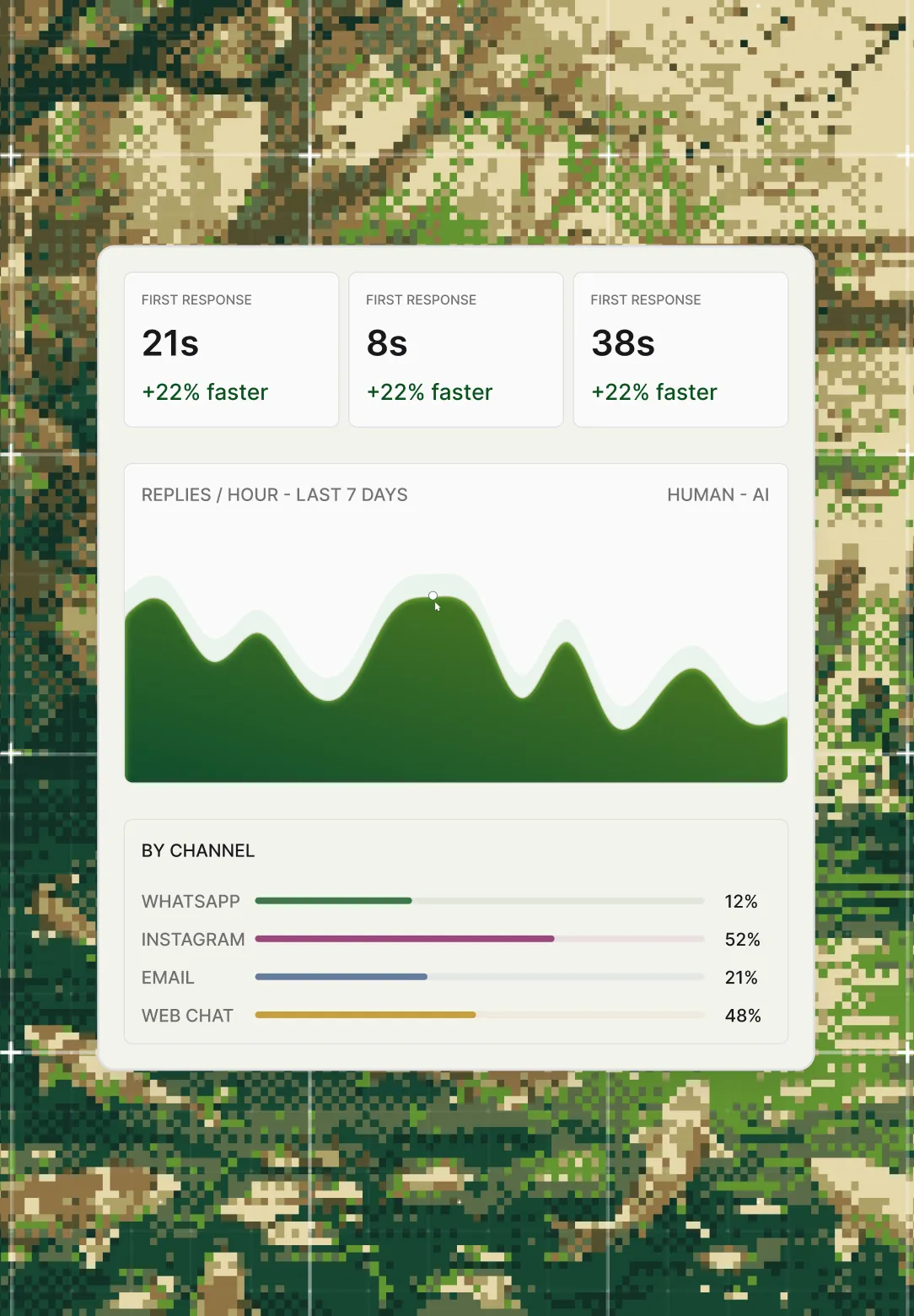
See where each automation goes next. Escalations land in the Unified Inbox, WhatsApp messages go out from WhatsApp Campaigns, and results show in Reporting & Analytics.
Frequently Asked Questions
Which channels do automations run on?
Instagram, TikTok, Facebook, YouTube, email and web chat. WhatsApp is handled separately in WhatsApp Campaigns, because it runs on Meta's template and messaging rules rather than the automation engine.
Which store platforms can trigger a workflow?
Salla, Zid, Shopify and WooCommerce. An order placed, a return requested or a status change in the store can start a workflow, and the AI agent acts on that store's own data.
How is this different from a chatbot flow builder?
A flow builder only covers the branches someone wrote, and anything else goes to a person. Revora's AI agent reads your order data and policies, so it handles the unscripted question and escalates only where your rule says to.
What happens to a case the AI agent should not handle?
It goes to the team or person your rule names, with the conversation attached, and waits in the Unified Inbox for someone to pick it up.
How long does setup take?
Expect days, not months. Revora's engineers wire the workflows to your store and policies, then start you on answers only, with each action switched on after you have seen it work.