
WhatsApp Campaigns
Send broadcast messages that end in orders.
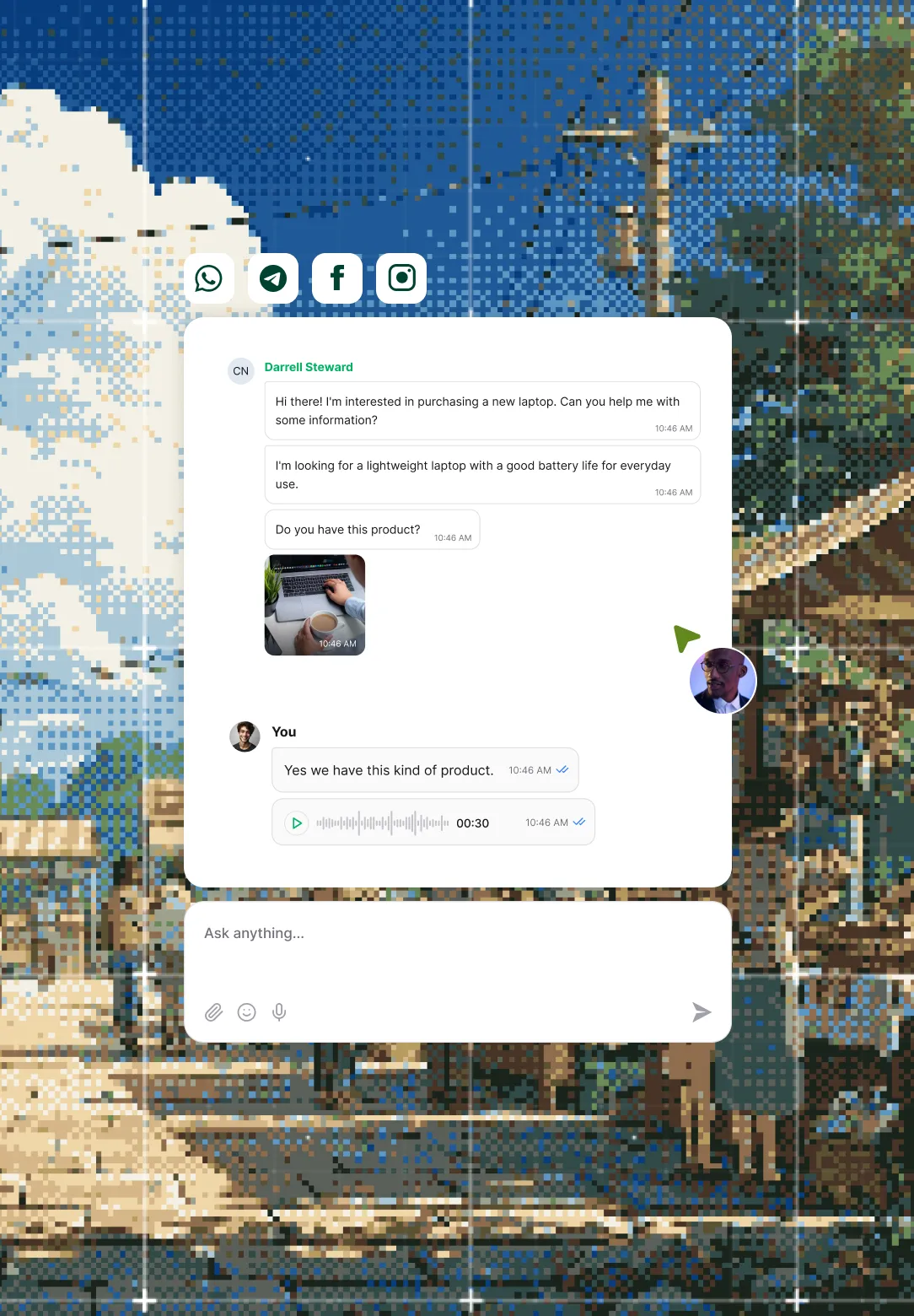
Reach the segment you choose with an approved WhatsApp template, and every reply goes to the AI agent, which checks stock and sends a checkout link for the order.
Official Meta Business Partner

Powering conversational commerce for









Customers and partners using Revora
Answer every reply on the same number.
Keep the campaign and the conversation on one WhatsApp number, so a reply reaches the AI agent instead of a no-reply sender or a separate tool.
Broadcast lands
Reaches your chosen segment as an approved template.
Customer replies
Writes back and opens a normal WhatsApp chat.
AI agent recommends
Checks live stock and picks the right variant.
Order created
Builds the store order, then sends a checkout link.
If a reply needs a person, your team picks it up in the Unified Inbox.

Lift revenue from the list you already have.
Turn White Friday, Ramadan and National Day into repeat orders from shoppers who already bought from you, instead of paying again to reach new ones.
Aim each campaign, then watch it earn.
Send fewer, sharper messages, because shoppers who feel over-messaged stop reading, and every send to the wrong segment still carries a Meta fee.
Choose who hears each offer
Give VIPs early access to the Eid drop, send abandoned carts their exact item, and leave recent buyers out of the promotion.
Match the message to the moment
Run a promotion with a discount code, a cart reminder with its checkout link, or a shipping update, each as an approved template.
Read each send's results live
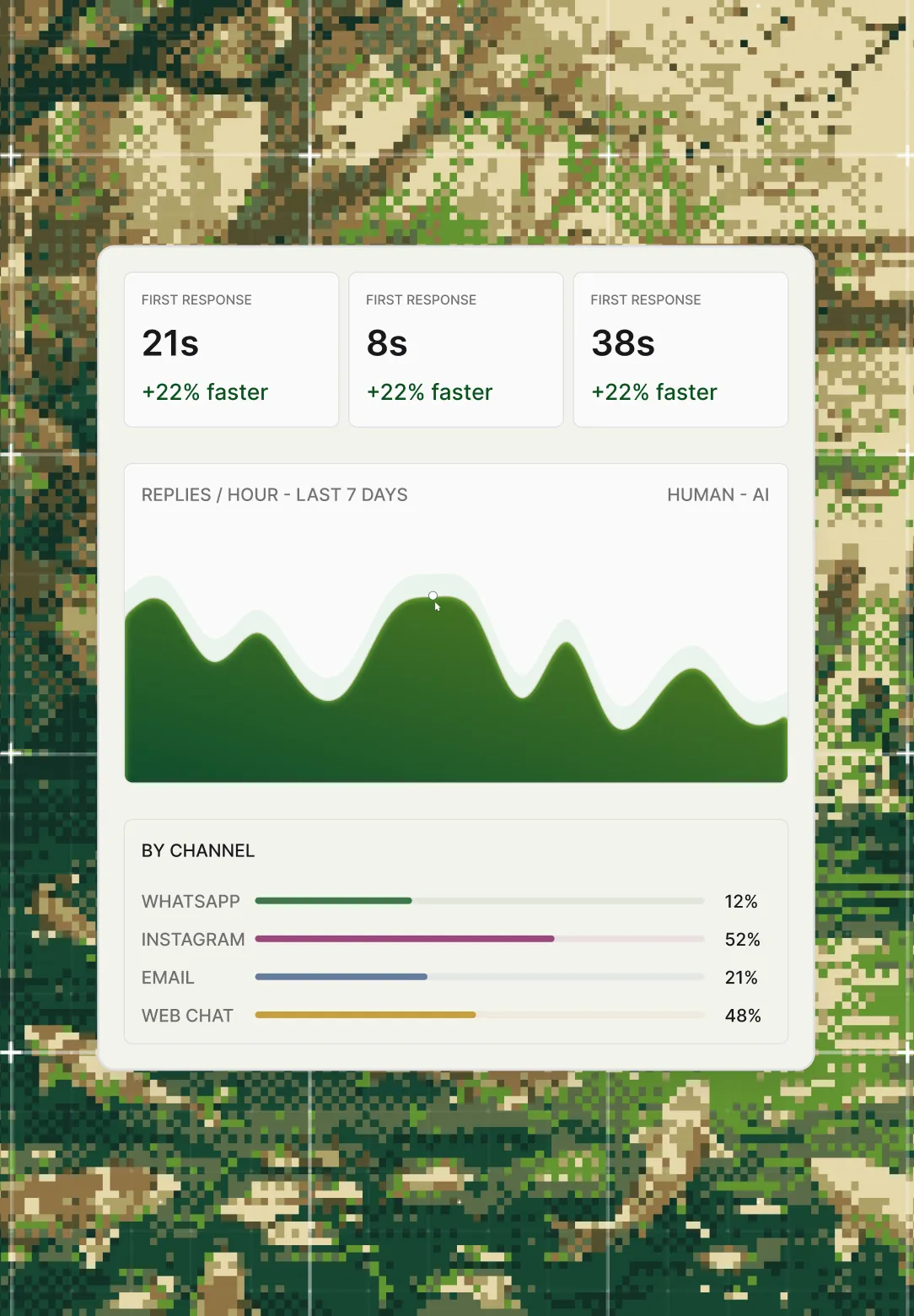
Watch sent, opened, clicked and converted counts climb while the campaign runs, with conversions counted as orders rather than clicks.
188 orders from 4,812 sends
Protect your WhatsApp account on every send.
Send through an official Meta Business Partner on approved templates, because an unofficial tool risks a ban on the number every customer chats with.
- Meta Business Partner official API access
- Approved templates Meta's template rules
- Account in good standing no unofficial workaround
Launch campaigns from the tools your team uses.
Trigger sends from MoEngage, WebEngage or Insider through the open API and read delivery and conversions back, with Meta's per-message fee planned in from day one.
Connected through the open API
- MoEngage
- WebEngage
- Insider
- Open API

We went from losing leads in WhatsApp threads to having a proper pipeline.
 Highfy
 Follow the conversation after the broadcast.
Follow what happens after a customer replies. Your team picks up handovers in the Unified Inbox, and Reporting & Analytics shows what the AI agent resolved.
Frequently Asked Questions
What can I send in a WhatsApp campaign?
Promotional broadcasts, abandoned-cart reminders with the exact product and checkout link, and order confirmations, shipping updates and delivery notifications, each sent as a Meta-approved template.
Why do campaigns need Meta-approved templates?
Meta requires an approved template for any message a business starts on WhatsApp. Revora sends them as an official Meta Business Partner, inside Meta's rules.
What does a broadcast cost?
Meta charges a per-message fee on every send, billed on top of your Revora plan. The fee depends on the message type. Current rates are on our pricing page.
Can I launch campaigns from my marketing tool?
Yes. MoEngage, WebEngage and Insider connect through the open API, so you trigger sends from there and pull delivery and conversion data back into that tool.
What happens when a customer replies?
The AI agent answers in the same thread, checks stock and recommends the product, then creates a Salla, Zid or Shopify order and sends the customer a checkout link to pay.
Do Automations cover WhatsApp messages too?
No. Business-initiated WhatsApp messages run here, under Meta's template rules, while Automations handles steps on your other channels such as Instagram, TikTok and email.